
Also, are you having trouble logging into UMANG App EPFO Login using the UMANG App? Whether you are having trouble checking your PF balance or stuck because of a sudden server error, don’t worry, you are not alone. Today’s update is going to fix all these issues once and for all. We will walk you through everything from downloading the UMANG App and activating your UAN to the best expert methods of fixing common server errors.
If you are facing an UMANG App EPFO login failure, try these steps:
| Error | Fix |
| Login Failed | Clear App Cache (Settings > Apps > UMANG > Storage > Clear Cache). |
| Server Down | This is an issue with the government server. Please wait for 1–2 hours. |
| OTP Not Received | Check if your DND (Do Not Disturb) is activated. |
| Data Not Found | Ensure that your UAN is linked to your Aadhaar. |
This is what my friend was sharing with me about his house. My friend’s father was trying to check his PF failed balance, and he was getting an error while trying to login. He kept getting the message “UMANG App EPFO Login failed” and at times he didn’t even receive the OTP.
He tried several times and became very frustrated, complaining that the app was useless and starting to worry that his account had been blocked. His father eventually phoned me to explain the difficulties he was having. I looked at his phone and I could see right away that it was not a serious problem. First, I checked that his UAN was already linked to his Aadhaar. Then I saw that he was trying to log in in the afternoon around 2:00 to 3:00 PM which is usually a very busy time for the server.
I suggested a few simple things he could do:
Clear app cache.
Switch off the network connection and then switch it on again.
Try to log in after 10 PM when the server load is usually less.
He did just as he was told, took those steps.
And it worked!
The login was completed within two minutes. The OTP came immediately to the app, and he was able to get access to his PF passbook without any further issues.
Later he told me, the date of whole system went haywire. But in reality, it was a minor issue of timing and settings. This incident highlights a very important point: not every error indicates that an app is broken. Sometimes it’s just a matter of bad timing, a poor network connection app, andapp, andor a minor blip in the settings.
People are quick to blame the app, but in many cases the solution is a lot easier than you think. They just need the right help.
Table of Contents
What is the UMANG App?
UMANG (Unified Mobile Application for New Governance) is a digital service launched by Government of India. With this multi-purpose app you can avail different essential services like Aadhaar, PAN Card, gas booking and passport services right in your home. Most importantly, it provides a trusted portal for a smooth UMANG app and EPFO login, so that you can handle your PF balance and UAN services without stepping into a government office or facing any unnecessary trouble.
Read Also: NIS Portal Guide – Complete Step-by-Step Enrollment.
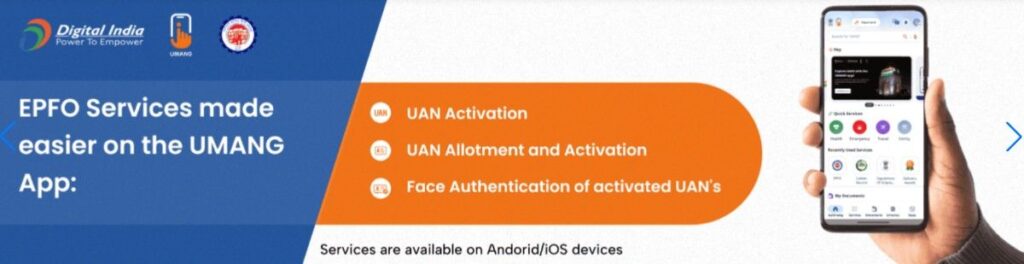
How to Download and Install the UMANG App?
For Android/iOS: I want to stress, whenever you want to download an app, always get it through the Google Play Store or the Apple App Store. Do not download applications from outside sources. The application may be unable to download on your device from the outside source.
How to Run It’s on a PC: Let me clear up any confusion – The UMANG AppIt is not officially designed for PCs. However, you can easily run it on your PC without any issues by using an Android emulator, such as BlueStacks.
Read Also:Claude AI Fix – Stop Login Errors Instantly.
How to Perform UMANG App EPFO Login (Step-by-Step)
To login on EPFO follow below steps:
- Open the app and search for “EPFO” in the search bar.
- Click on Employee Centric Services.
- Enter your UAN (Universal Account Number) here.
- Validate yourself with the OTP (One-Time Password) sent to your registered mobile number.
If your mobile number is not linked to your EPFO account, then you will not be able to log in. First you need to visit the UAN portal to update your mobile number, and then you will be able to log in successfully.
How do I activate my UAN? How to Activate Your UAN:
- Go to the EPFO section in the UMANG app.
- Click on ‘Activate UAN’.
- Enter your UAN, Aadhaar number and date of birth.
- After validating OTDatelogin, number, OTDatalogin, OTDatalogin, and P, your account will be activated. After validating OTDatalogin, your account will be activated. After validating OTDatalogin, your account will be activated. After validating OTDatalogin, your account will be activated. After validating OTDatalogin, your account will be activated.
Also Check it : Google Fitbit Air Price, Launch Date & India Availability
UMANG App Common Errors & Quick Fixes (2026 Guide)
I have seen that the EPFO login on UMANG app works too slow between 10:00 AM to 5:00 PM as the server load is at peak during this period. And if you want to check your passbook or activate your UAN then suggest you try either after 10:00 PM or before 7:00 AM. I have done my jobs within these limited hours , I have done my work within 2 minutes and there were no errors on the server , I was quite easily able to do it . You should definitely try it.
Here’s a true story for you: sometimes a problem isn’t really as big as we make it out to be in our heads. I got a server error while using my UMANG app, reset my network settings and was able to login within 5 mins. If you are having similar issues, you should try to do the same thing.
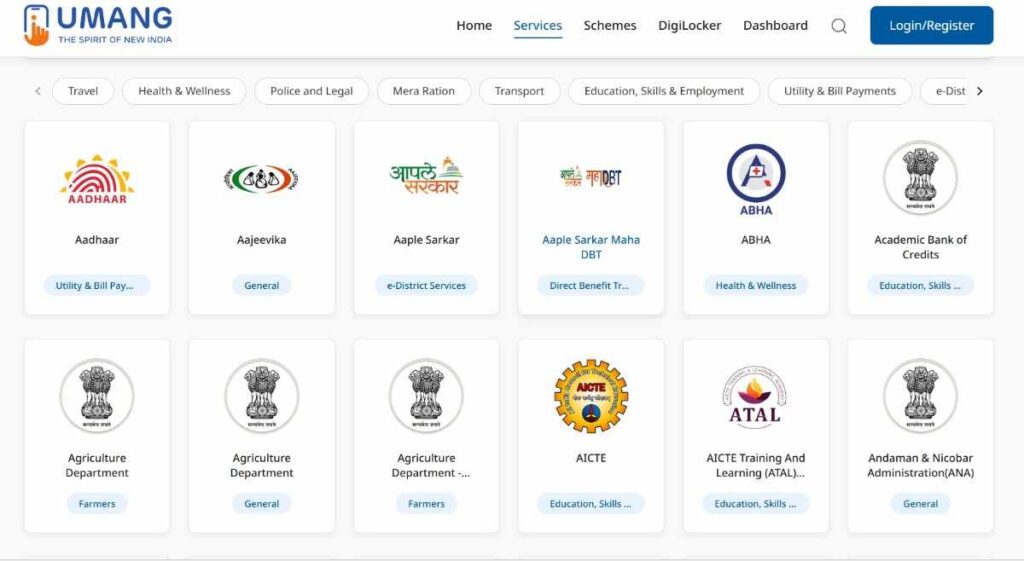
Image Source: Screenshot of official UMANG portal
Frequently Asked Questions (FAQs) – UMANG App Help Desk
Q1. How to Download the UMANdateG App, and Is it Safe?
Ans: Always download the UMANG app exclusively from the Google Play Store or the Apple App Store. Do not download the APK file from “Uptodown” or any other third-party website, as this could pose a security risk to your personal data (such as Aadhaar or EPFO details).
Q2. How to use the UMANG app for EPFO services?
Ans: To access EPFO services, first search for ‘EPFO’ within the app. Then, navigate to ‘Employee Centric Services’ and log in using your UAN and registered mobile number.
Q3. How to check the PF balance on the UMANG app?
Ans: Checking your PF balance is very easy. Go to the EPFO section within the app, and click on ‘View Passbook’ there. Your PF balance and transaction history will be displayed on your screen.
Q4. Users are facing issues while logging into the UMANG app. What to do?
Ans: If your login is failing, first check if the app is requesting an ‘Update’ to a newer version. If the app is already updated, go to your Android settings, ‘Clear Cache,’ and try again after 15 minutes.
Q5. Is there an official option to download the UMANG app for PC?
Ans: YouAns: Youu will need to use Android emulators such as BlueStacks or Nox; however, for added security, try to handle financial transactions directly via your mobile device.





I am a Computer Science Engineering student, and I write blogs on new research in technology and AI. My blog topics include Technology, Gadgets, Software, Apps, and Games. I explain new technologies and AI trends in simple and practical language.