

Many people often ask, “How can I check my phone for problems?” Smartphones have become essential for every task. We use them daily for phone conversations, online money transfers, office work, and entertainment. At one time, everyone is dependent on their phones. Nowadays, if a problem occurs with a mobile phone, it would be very frustrating because everything is done through them.
These days, I’ve encountered many people complaining about their phone slowing down, overheating, the battery draining quickly, and even hanging. When people encounter such problems, they wonder how they can diagnose their phone’s problems themselves.
The good thing is that you don’t need to be a tech whiz to find any major problem with your smartphone. The software itself tells you what’s causing the problem. I’ll tell you how to keep your phone running smoothly and how to fix the problem.
Table of Contents
Why is it important to check your phone regularly?
Many people don’t take much care of their phones. They don’t notice something wrong with their phones. They only notice when the phone turns off or doesn’t work.
You can understand that as your phone’s battery does not last long, if you had detected this problem early, you would have installed a new battery which would have made your work run smoothly. It has been seen many times that the storage gets full and due to this also your phone becomes slow.
There are several benefits to regularly checking your phone:
- Improves overall performance
- Prevents sudden crashes
- Helps keep personal data secure
- Extends battery life
- Reduces the risk of hardware failure
- Extends the device’s lifespan
Just as we get our health checked by a doctor from time to time, shouldn’t we also regularly check our mobile phones to see what’s going on with them.
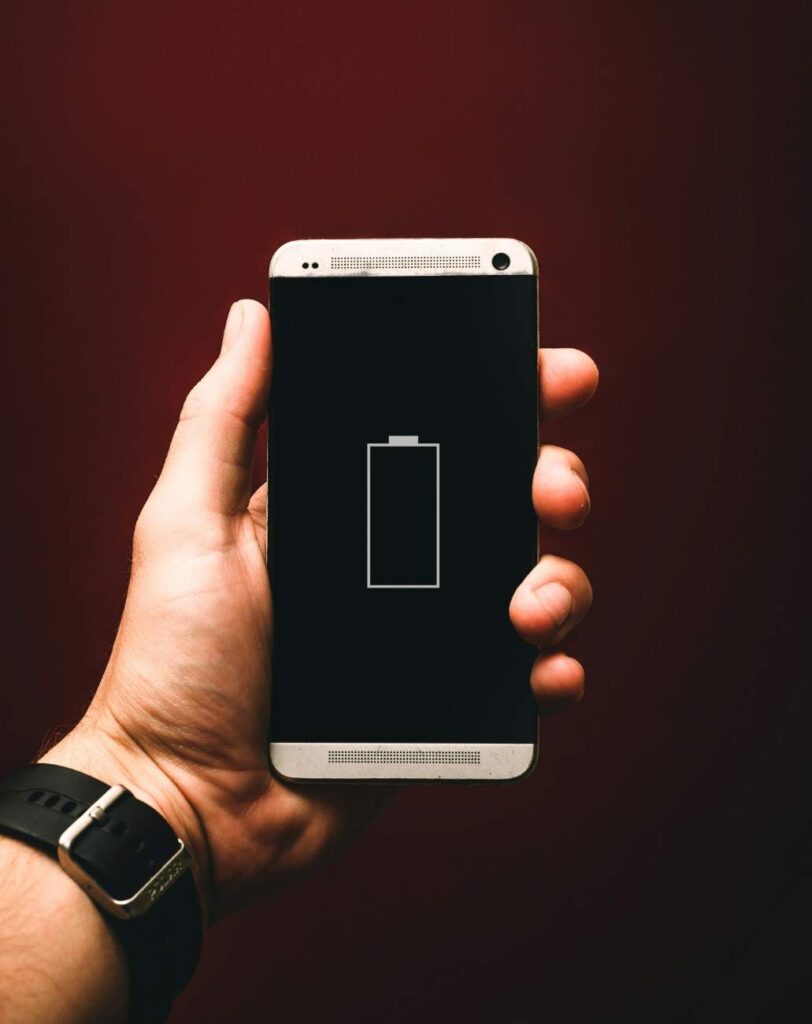
Common signs indicating a problem with your phone
- Slow Performance: Slow performance means that when you open your phone, you notice lag when scrolling. The reasons could be Lack of storage space, Too many background apps running, Your mobile software is outdated, Malware infection, and Old hardware. Check these things whenever you’re having problems.
- Rapid battery drainage : Your battery should be running at its normal rate. If you feel like your battery is draining more than it should, there could be a problem. This can be due to several reasons, such as apps running in the background, a software bug, or your screen brightness being too high. If you experience this problem and are wondering how can I check my phone for problems, you should monitor your battery’s performance and check your phone’s health.
- Frequent hanging and crashing : If apps suddenly close or your phone stops working while you’re using your phone, it’s likely that there’s a software conflict or a memory issue.
- Overheating: It’s normal for your phone to heat up slightly even while you’re playing games, charging, or recording videos. However, if it’s causing excessive heat even during normal use, there could be a number of underlying issues, such as battery issues, too many apps active in the background, malware, or malfunctioning hardware.
- Charging issues: If your phone charges slowly or disconnects while charging, it could be because your charging cable is broken, your power adapter is defective, or your charging port is faulty. The battery is low.
Read Also:Android 16 Privacy Features and Changes List
How Do I Check My Android Phone for Software Problems?
Many of our smartphone problems are caused by software, and if you are wondering how do I check my Android phone for software problems, the good news is that these issues are usually resolved much more quickly than hardware problems.
To check for updates:
- Open Settings.
- Go to System.
- Tap Software Updates.
- Install any available updates.
If your phone is old and you haven’t updated your software, you may be experiencing compatibility and performance issues.
Using outdated software can cause compatibility and performance issues.
Read Also : USB Debugging Blocked by Auto Blocker: How to Fix It
How can I check my phone for problems and hardware issues ?
Hardware-related issues pertain to the physical components of the device.
Screen Test
Carefully inspect your screen for:
- Dead pixels
- Flickering
- Unresponsive touch
- Color distortion
Open various applications and swipe across the display to ensure the touch response remains consistent.
Speaker and Microphone Test
Play audio and make a test call.
Check that:
- The sound is clear
- Volume levels are normal
- The microphone records properly
Poor audio quality may indicate a hardware malfunction.
Camera Test
Take several photos and videos using both cameras.
Look out for:
- Blurry images
- Focus issues
- Black spots
- Camera app crashes
A faulty camera module often exhibits these symptoms.
Sensor Test
Modern smartphones contain several sensors, including:
- Proximity sensor
- Accelerometer
- Gyroscope
- Fingerprint sensor
Sensor testing may be necessary if features like automatic screen rotation or fingerprint unlocking stop working correctly.
Read Also: Gemma 4 Benchmarks: Google vs GPT-4 Comparison
How to Check Battery Health
Battery health plays a crucial role in smartphone performance.
Symptoms of Battery Issues
Watch out for these signs:
- Rapid battery drain
- Sudden shutdowns
- Slow charging
- Battery swelling
- Excessive overheating
Tips to Improve Battery Health
To maintain battery health:
- Avoid extreme temperatures
- Use high-quality chargers
- Minimize unnecessary background activity
- Enable battery saver mode
- Keep software updated
Good charging habits can significantly extend battery lifespan.
If you have ever wondered how can I check my phone for problems, it is actually quite simple. You don’t need professional tools to check things like software performance, battery health, storage status, or hardware components; you can do it all yourself.
Regular phone maintenance not only improves performance but also significantly extends the device’s lifespan. Spending just a few minutes each month checking your phone’s health can save you money on repairs.
Whether your goal is to find bugs, monitor battery life, or detect hardware faults, knowing how to check your phone condition and how can you diagnose your mobile phone problem will help you maintain your phone’s longevity.
Read Also :- How to check android battery health check
How can I check my phone for problems on iPhone?
You can check your iPhone by looking at battery health, storage usage, software updates, and app performance in the Settings app.
How can I check my phone for problems on Android?
Android users can check battery health, storage, software updates, and device performance through the Settings menu and built-in diagnostic tools.
How can I check my phone for problems for free?
Most smartphones include free built-in tools that allow you to check battery, storage, software, and hardware issues without paying for any service.
Is there a free online phone diagnostic test?
Yes, some manufacturers and third-party services provide free online diagnostic tools, although built-in phone diagnostics are usually more accurate.

I am a Computer Science Engineering student, and I write blogs on new research in technology and AI. My blog topics include Technology, Gadgets, Software, Apps, and Games. I explain new technologies and AI trends in simple and practical language.


Pingback: Xbox Game Pass Ultimate 12 Months Free ? The Real Truth