
Hello friends, if you want to Play PC Games on Mobile then this guide is for you. How are you all? Today we’re going to talk about the changing face of PC gaming in 2026. Let me tell you, earlier, playing PC games required a setup costing lakhs of rupees, but in 2026, technology has changed everything. Now, the smartphone in your hand is not just for making calls, but has become a powerful “Gaming Console.” In this blog, we will discuss how you can play AAA titles like GTA 5, Cyberpunk 2077, and Elden Ring completely free on your Android or iOS device without any high-end PC and without any problems.
| Method | Best For | Requirement | Offline/Online |
|---|---|---|---|
| Cloud Gaming | Instant AAA play | Strong internet | Online only |
| Winlator | PC games on Android | Snapdragon, setup | Online |
| Mobox | Casual offline gaming | Snapdragon, APK | Offline |
| Official Ports | Optimized mobile versions | High-end mobile, store | Offline/Online |
Table of Contents
Play PC Games on Mobile with Cloud Gaming – Play Without Downloading
Let me tell you that cloud gaming has become a huge revolution by 2026. The biggest advantage is that you no longer need to install games on your phone. Your game will now run on a server and be streamed to your screen without any interruptions, allowing you to play games smoothly.
- GeForce Now :Nvidia’s platform is the best because even in 2026, it’s still ahead of the competition. If you have a Steam or Epic Games library, you can stream them here without any problems. Here you get a 1-hour session, but you can log in repeatedly. Let me tell you that GeForce Now recently introduced a very good new AI upscaling feature that provides near 4K quality with very little internet data usage.
- AntCloud: Now, if we talk about AntCloud, it has made cloud gaming very affordable in India. Because its servers are located in India, it offers very low latency, almost negligible. And this is a new technology of 2026 that uses very little data on 4G and 5G networks. If you use a SIM card from any company and your plan has limited data, then AntCloud is the best option for you.
- Xbox Cloud Gaming: This Microsoft platform is for people who use subscriptions and want hundreds of games. It’s a very good platform. Personally, I use this platform myself, and I can tell you that you can stream games like Fortnite for free without any subscription. Xbox has created “Custom Touch Controls” for over 150 of its games, so you don’t need a controller.

The Technical Side of Streaming
Let me tell you that whenever you do cloud gaming, you should keep in mind that you need stability more than speed.
- Latency (Ping): Latency refers to the time it takes for your button press to reach the server and for the response to come back. Ideally, a ping of less than 50 ms is considered perfect. This makes you feel like the game is running directly on your phone, meaning there’s virtually no delay. However, if we talk about lag spikes, if your ping crosses 100 ms, input lag starts. This means that when you press a button, your character will move a second later, which is a major cause of defeat in competitive gaming (FPS/Racing). And if we talk about the jitter factor, jitter means the ping is constantly fluctuating. For stable gaming, your jitter should be less than 20 ms; anything less than that is considered excellent.
- 5GHz Wi-Fi: Always use 5GHz Wi-Fi instead of 2.4GHz, as it transfers data faster.
- Ethernet Adapter: In 2026, gaming enthusiasts use a Type-C to LAN adapter on their phones to achieve zero lag.
The Power of Emulators – Winlator & Mobox
Winlator 2026 – PC Windows on Android
Friends, let me tell you that Winlator is a magical tool that easily transforms your Android phone into a Windows computer.
This is an open-source tool, and by 2026, it has become so optimized that it can now even run Fallout 4 on older Snapdragon chips.
Installation Guide: Download the Winlator APK and OBB file from GitHub. Create a “Container” and set the resolution to 1280×720.
Best Settings for FPS: Always use “Turnip + Zink” drivers. This unlocks the true power of the graphics card.
Mobox – High Performance Champion
Mobox is the best because if you want 100FPS, although it’s a bit more complex than Winlator, its performance is top-notch.
Termux Setup: To run Mobox, you need to enter commands in the Termux app. This is called the “Glibc” environment, which utilizes the power of Linux.
Snapdragon Optimization: If you have a Snapdragon 8 Gen series, Mobox will let you play The Witcher 3 without any crashes.
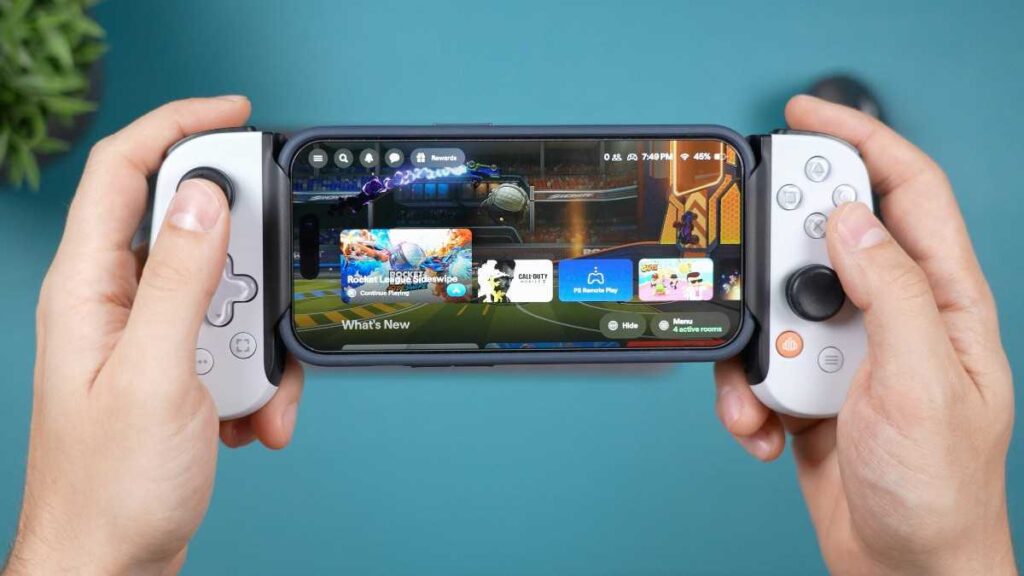
Mali vs Adreno – The GPU Game
A common question people ask us is, “Will PC games run on my Samsung or MediaTek phone?“
Adreno (Snapdragon): These have custom drivers (Turnip), so emulators work perfectly here.
Mali (Exynos/MediaTek): There’s a bit of a struggle here, but in 2026, “VirGL” drivers have made it easier.
Offline Methods & Game Porting
How to Play Games on Mobile Offline?
Let me tell you, when your internet slows down, you get worried about how you will Play PC Games on Mobile now that your internet is gone. But there is no need to worry anymore! Emulators like Winlator or Mobox work without the internet. You just need to put the game .exe file and data folder in your phone Download folder.
Repack Games: Use optimized game setups because they have a smaller file size and install much faster. Always download game files from trusted sources to avoid compatibility issues.
Input Bridge: This is a third-party app that creates buttons on your screen. With this, you can play keyboard/mouse games without a controller.
Official PC to Mobile Ports
Several PC games have officially arrived on Android by 2026:
Warzone Mobile & Resident Evil Village: Their graphics quality is comparable to PC. Downloading and playing them is the safest and “free-to-start” way.
Netflix Games: If you have Netflix, the GTA Trilogy is completely free. These are mobile ports of the PC versions.
The Legal & Safe Side
“Free” doesn’t always mean “piracy.” Always check Steam’s free-to-play category; in 2026, many big games (like Destiny 2) are free, and you can play them on the cloud. You need to be careful not to use any cracked files; you should avoid them because they can steal your data.
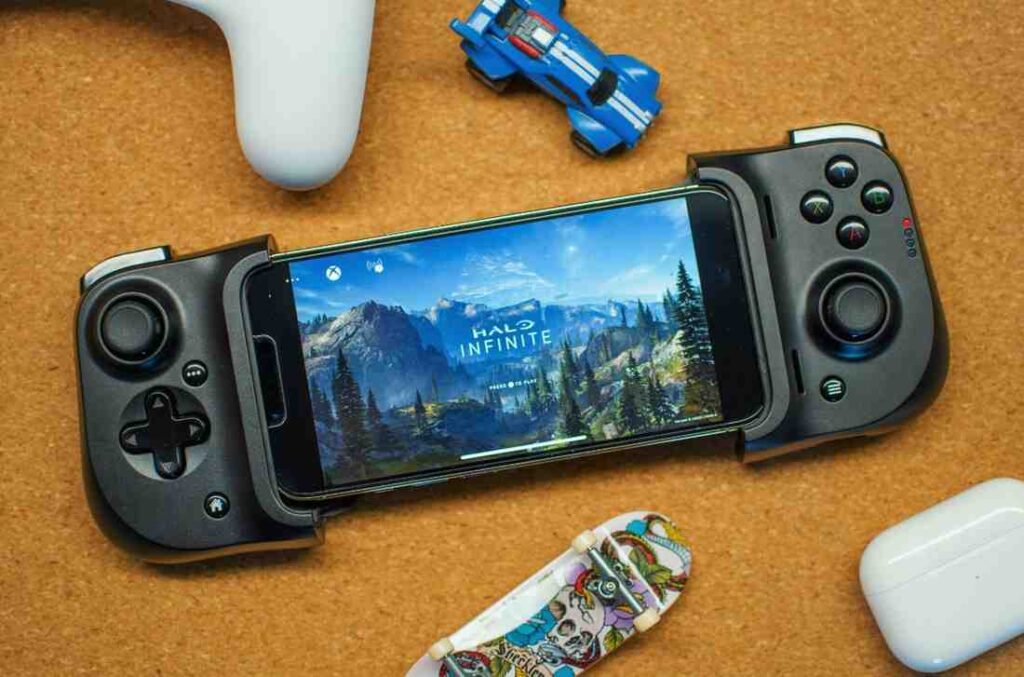
Troubleshooting & Expert Secrets
Fix Black Screen & Crashes
- Driver Settings: First, check your DXVK version. If the game crashes, try switching to version 1.10 or 2.3, as these are the most stable for mobile emulators.
- Resolution Fix: If the game fails to launch, lower your phone’s resolution to 800×600 in the emulator settings, then adjust the in-game resolution once it starts.
- RAM Optimization: Always “Force Stop” unnecessary background apps before gaming. This ensures the emulator gets maximum RAM for a smooth, lag-free experience.
Heat Management – Keep Your Phone Cool
PC games run, but the phone gets very hot, like a frying pan.
External Fans: In 2026, “Mobile Cooling Fans” are available for ₹500 that reduce the temperature by 10-15 degrees.
Battery Bypass: If your phone supports it (like ROG or Samsung), use direct power by plugging in the charger; this prevents the battery from overheating.
The Future of PC Gaming on Mobile
I’ll tell you, by the end of 2026, we might see a hybrid OS where a single file runs on both PCs and mobile phones. With the advent of cloud gaming, the hardware battle is ending.
PC gaming on your phone isn’t just a dream anymore. In 2026, thanks to advanced emulation and cloud tech, your smartphone is a literal portable rig. Tools like Winlator and Mobox now let you run heavy titles like GTA 5 or The Witcher 3 offline on Android with surprising ease. With the right configuration and a bit of patience, you can turn your mobile into a full-blown gaming console anywhere you go.
Quick FAQ
Can I play PC games on my phone?
Ans: Yes! In 2026, you will be able to play high-end games on your phone using cloud gaming (GeForce Now) or emulators like Winlator/Mobox.
Can I play Steam games on my phone without a PC?
Ans: Yes, to play Steam games without a powerful PC, you can use the free tier of GeForce Now or set up Steam in the Winlator emulator.
Can I run PC apps on Android?
Ans: Absolutely! Winlator and Mobox create a virtual Windows environment on your Android phone where .exe files and apps run smoothly.
Which emulator is best for PC games on Android?
Ans: Winlator beginners ke liye best aur easy hai, jabki Mobox advanced users ke liye hai jo maximum performance aur FPS chahte hain.