Android 16 (codenamed “Baklava”) is one of the biggest software updates of 2026, bringing major android 16 privacy features and changes list for system-level security changes. Let’s take a closer look at what’s new, and how these updates work on your everyday device.
This article is for you if you are a techie or an average user who loves and takes care of their phone. We’re going to dig in and see what’s new in Android 16 and what it will do to improve your Samsung, Pixel or OnePlus phone.
| Feature | Info |
| Name Official | Android 16 “Baklava” |
| Release Date | Now Available (January 2026 Security Update) |
| Best Privacy Feature. | Biometrics required in public (Identity Check) |
| New security tool? | OTP Shield (Hide codes on Lock Screen) |
| Best Performance Fixes | 16 KB Page Size (15% faster app load) |
| Supported devices | Pixel 9/10 Samsung S25/S26 OnePlus 13/14 |
Table of Contents
When is Android 16 coming out?
Past few years Google used to release its update in October or November but this time it’s different. On June 3, 2025, Google officially rolled out Android 16 (the Developer Preview was released earlier). Most smartphones already have this update available in 2026.
It’s now being rolled out to nearly all new phones, at the start of 2026. Google says the idea is to make sure new devices (like the upcoming Pixel 10 series) have the latest software as soon as they launch.
Privacy Features: Your Phone is Now a Fortress

Now let’s talk about the new privacy features; this is the strongest aspect of Android 16. Google has focused heavily on “Identity” and “Data Protection.“
| Feature | Android 15 (Old) | Android 16 (New) | My Take (Engineer’s View) |
| OTP Privacy | Visible on Lock | Hidden (Redacted) | Massive boost for security |
| PIN Entry | Standard | Identity Check (Biometric) | Best for Public Security |
| App Loading | Standard | 16 KB Page Size | 15% Faster Performance |
Identity Check (Biometric Guard)
This new feature is for those who are worried that someone might see the PIN of their phone and they will be able to access the phone.
How it works:
Trusted Places Away from home or work If an attacker tries to change the PIN code of your phone or the settings of your bank account, the phone will immediately ask for a fingerprint or face unlock. The PIN alone will not be enough.
This feature isn’t just for the lock screen, but also locks your Passkeys and Google Account settings if you’re in an unfamiliar place.
If your phone isn’t where you live (and thus, outside of its “Trust Zone”), then Android 16’s Contextual Awareness API kicks in. The key point is that these are not fixed features, but they use sensors to detect whether you actually have your phone with you. So your phone stays safe, even if it gets stolen. This feature saved my friends phone, the thief couldn’t get past the security pin and the device was recovered successfully.
AI-Powered Scam Detection:
Your Android phone is no longer just a box, but a bodyguard. Android 16 features “On-Device AI” that scans your calls and messages in real-time.
Benefit:
If a scammer tries to trick you into giving your OTP by pretending to be from your bank, the AI will pop up a big warning on your screen. And the best thing? All this happens on your phone . Sometimes people get worried or confused and think that their data is going to Googles servers . Nothing is going to Googles servers .
One time I got a call on my phone and it said, Sir your number has been picked by our company, you will get money. Just give me your bank details and I’ll put the money in your account. I knew right away it was a scam. I’d say the same to you. You don’t need to be afraid any more.” Your phone now has AI-powered scam detection features to help protect you from scams.
Notification Privacy (OTP Shield)
Have you noticed that OTPs are visible even if your phone is locked? Android 16 doesn’t do that. OTP or sensitive messages will remain “Redacted” (hidden) till you unlock your phone. So nothing to worry about any more.
Read also: How to Play PC Games on Mobile Offline in Winlator & Mobox
Android 16 Privacy Features and Changes List (What’s New?)
Let’s talk about the latest new features you’ll see on your phone.
Rich Ongoing Notifications
If we talk about Ongoing Notifications, this is the biggest visual change in the new Android version, which people are also calling Android’s Dynamic Island. This feature transforms boring notifications into an interactive and live experience.
- New Live Tracking Style: No need to open the app again and again to check status of your Uber ride, Zomato or Swiggy delivery time or flight boarding details. All this information will always be in the notification bar, in the form of an icon in the shape of a pill, without any interruption.
- API for Developers: Another great feature-Google has released a new API for this. It allows developers to integrate their apps into this pill shape. So, in the future, you will also see live cricket scores and stock market updates at the top, which will save your time as you won’t have to open the app multiple times.
- Easy Interaction: You can long press this small pill, it will expand and you can cancel your ride or call the delivery boy from there easily.
- Privacy & Focus This notification takes up as much space as it needs. This keeps your status bar clean and helps you to focus on your work.
Hot Update: JioStar 2026: Download App & Check New Plans
Desktop Window Mode (Multi-tasking King)
If you have a tablet or a foldable phone, you’re going to love this feature. Android 16 allows you to resize apps like you would on a laptop, stack them on top of each other and run multiple windows at the same time. It can run many tasks at the same time concurrently within a single operating system. Like you can see in real life in your laptop and computer running project work and also running background playing song and downloading files etc.
Notification Cooldown
Does your friend keep bugging you with WhatsApp messages? The “Notification Cooldown” feature will gradually lessen the amount of notifications they receive if you send them a flurry of notifications at once. The best update for office employees working in companies is that when someone messages you on the WhatsApp app, the messages show up slowly, and the volume automatically adjusts.
Auracast (Audio Sharing)
You and your friend can now connect two different Bluetooth headphones to the same phone and listen to the same song. That’s a Bluetooth LE Audio thing. features of audio sharing to use all the modern bluetooth features available in every android devices. Useful when you have single phone and two bluetooth devices.
Brand-Wise Android 16: Samsung, Pixel, and OnePlus
| Feature | Google Pixel (Stock UI) | Samsung (One UI 8) | OnePlus (OxygenOS 16) |
| Main Focus | Pure AI & Fast Updates | Productivity & Ecosystem | Fluid Speed & Animations |
| Special Feature | Magic Editor & Call Notes | Now Bar (Live Notifications) | Live Alerts (Island Style) |
| Multitasking | Simple Split Screen | Advanced Desktop Windowing | Open Canvas (Up to 5 apps) |
| Privacy Tool | Identity Check (Biometrics) | Samsung Knox Fortress | Plus Lock (Remote Lock) |
| Design Style | Material 3 Expressive | Minimalistic & One-Handed | Flow Motion (Ultra Smooth) |
| Battery Tech | Adaptive Battery | AI Sleep App Management | Smart Charging (80% Limit) |
Android 16 for Google Pixel
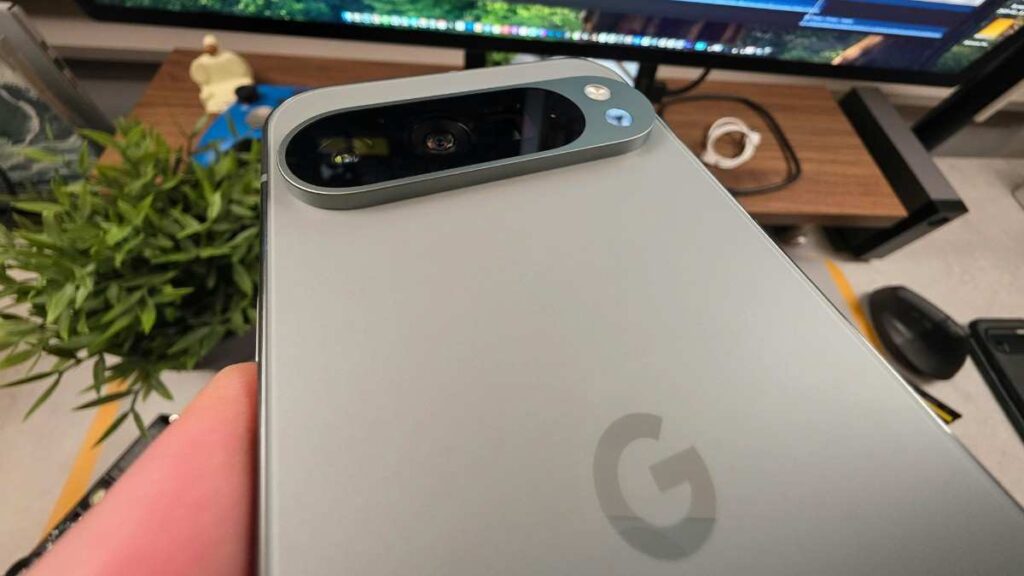
Our Pixel users are always our VIPs and they get updates first. Pixel 10 Pro is next-level fast and comes with AI features in Android 16 (like updates to Magic Editor).
Android 16 for Samsung (One UI 8)
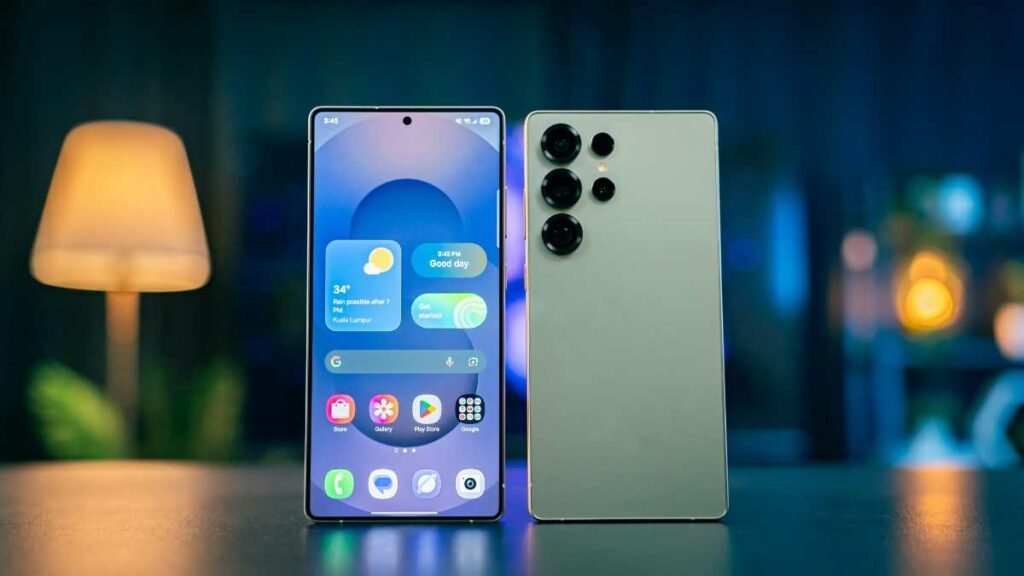
Samsung tailored Android 16 with its One UI 8. Samsung DeX gets new ‘Desktop Windowing’ support and their gallery AI search is even quicker.
Android 16 for OnePlus & Oppo (OxygenOS 16)
OnePlus has made its Fluid Design more fluid. Their “Live Alerts” feature will look even better than the iPhone’s Dynamic Island when combined with Android 16’s rich notifications.
Technical Changes: Under the Hood
Google has also made significant changes at the developer level:
APV Codec Support:
High-quality video recording for professional video creators without consuming excessive storage. This feature is ideal for video creators.
16 KB Page Size:
This will increase your app loading speed by up to 15%.
Health Connect: All your medical data (medical records) will now be stored securely in one place, which you can share with your doctor.
Must Read: Learn How to Protect Yourself from Phishing Attacks Online
Flash Update (January 2026): New Security Patch is Here!
Recently, Google sent the latest January 2026 security patch to Android 16. This update is specifically for those of you using the Pixel 9 and Pixel 10 series. It provides battery improvements, system stability improvements and improved security intelligence.
Battery Fix: Background process throttling improved in QPR (Quarterly Platform Release) update. Many users were encountering a “Overnight Idle Drain” issue, where their phone would drain by 15-20% just sitting idle.
System Stability: Some of the apps running in the background will consume less RAM, which will stop your phone from freezing or lagging.
Security Intelligence: This patch improves security features and enables it to scan new types of malware in real time. Security intelligence is a very nice feature for your cell phone.
Looking for a new phone? Well, if you want to experience the true potential of Android 16 on new hardware, then you should definitely check out the Oppo Reno 15 Pro Mini’s price and specifications. It’s going to be a powerful, compact phone in 2026.
Should You Update?
You are buying a new phone and it asks you to update, go ahead and do it without any hesitation.
Not only is Android 16 good looking, but it also has new “Adaptive Refresh Rate” algorithms to optimize your battery life.
After installing Android 16, battery performance improves, but if you feel that the battery was draining faster on the older version, then you should definitely read our guide: Android Battery Health: How to Check and Fix Battery Drain.
Dear friends, Android 16 “Baklava” has shown us that technology is not just about speed, but also about our privacy and security. So the main objective of “Simplify Your Tech Life” is to provide you with accurate and genuine updates in very simple language so that you can stay safe, become a technology expert and be smart.
Related Read: NCC Integrated Software (NIS) Login & Portal Fixes
Android 16: Frequently Asked Questions (FAQs)
The official name of Android 16 is?
Ans: This time, there’s a big change in Google’s list of Android latest version names. Breaking from the alphabetical order (W, X, Y, Z), Google has codenamed Android 16 “Baklava.” This name reflects the freshness and new structure of this version.
What’s new in Android 16 for Samsung phones?
Ans: The new Android 16 features are very special for Samsung (One UI 8) users. It will include a new ‘Now Bar’ feature that displays live notifications in a dynamic island style. Additionally, the combined security of Samsung Knox and Android 16 creates a “fortress” that will prevent apps from reading your private data.
What improvements have been made to the camera features in Android 16?
Ans: The biggest update in Android 16’s camera features is the “Advanced Professional Video (APV)” codec. This will allow you to record 8K and high-quality videos with smaller file sizes. Additionally, AI-powered Night Sight will now work with third-party apps like Instagram and Snapchat.
Any big Android 16 UI changes?
Ans: Yes, Android 16 UI changes include a new ‘Desktop Windowing’ mode. This allows you to resize and run apps on your phone simultaneously, just like on a Windows PC.
How do Android’s 16 security features work?
Ans: Android 16’s security features, the most important is ‘Identity Check’.Unknown location, the phone will always require biometrics (fingerprint/face) instead of a PIN to change sensitive settings Additionally, OTP notifications hidden on lock screen.

I am a Computer Science Engineering student, and I write blogs on new research in technology and AI. My blog topics include Technology, Gadgets, Software, Apps, and Games. I explain new technologies and AI trends in simple and practical language.