
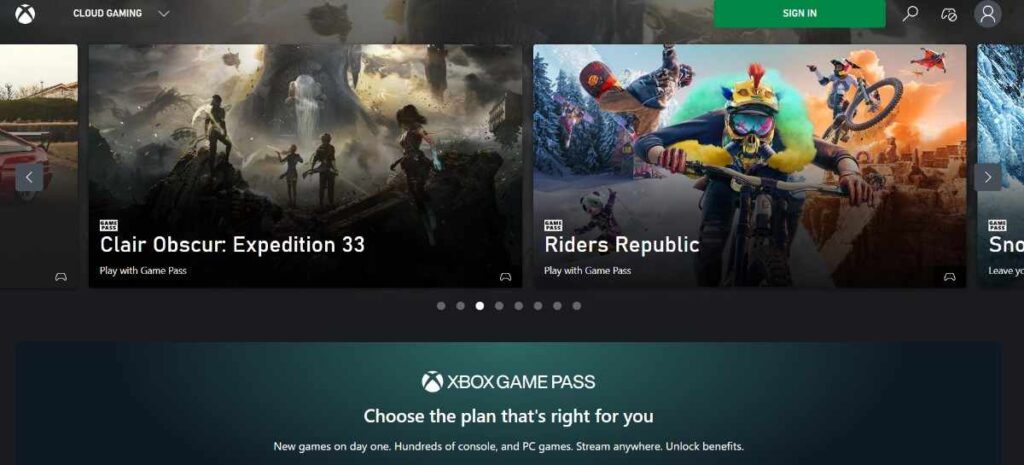
The world of gaming has completely changed in the past few years. Gone are the days when we needed a bulky console strapped to a PC or TV for high-end gaming. Today, in 2026, your Xbox Mobile App on any compatible device is your biggest gaming weapon. No matter where you are in the world, whether you’re traveling on a bus, working in an office, or at home, Xbox Mobile gaming gives you the same experience as a ₹60,000 console. In this guide, we’ll discuss in detail how you can turn your smartphone into the best gaming machine.
Table of Contents
Xbox Mobile App – Setup and Deep Dive
Today we’ll first talk about the foundation of the Xbox Mobile app. Many people use it just to chat with friends, but it’s much more powerful than that.
Xbox Mobile Download and Installation
First, you need to go to the Google Play Store and search for the official Xbox app there. Do not download it from a third-party site, as third-party apps can be harmful to you. You’re at risk of your data being leaked. It’s also available on the Apple App Store, and you can download it from there as well. One thing is, this app itself is very small, but it does use cache memory. That’s why your storage should be at least close to 1024 MB (1 GB) for it to run smoothly.
Remote Play vs. Cloud Gaming (Clear the Confusion)
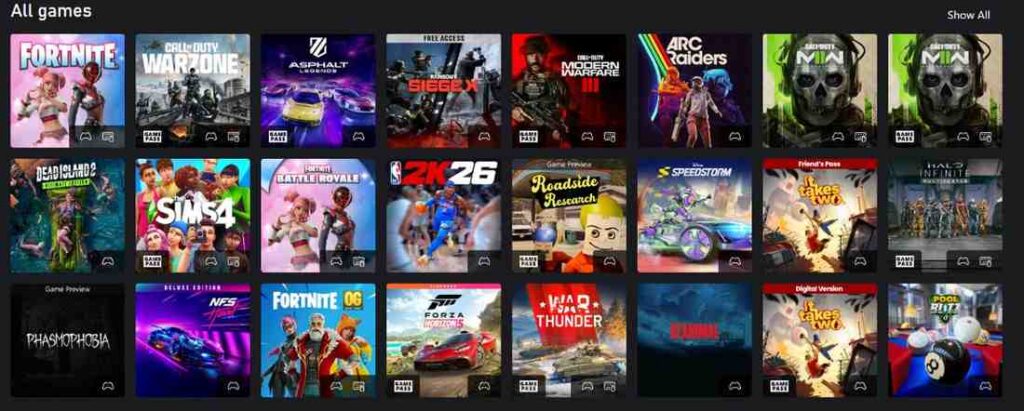
I’ve noticed that people are always confused about which of these two to use. Today, that confusion will be cleared. First, let’s talk about Remote Play. In this, games are played using the internet on your home Xbox console and streamed to your phone. It’s completely free, and there’s no fear of lost accounts. Now, let’s talk about Cloud Gaming. In this, a console is not required; you can run games on Microsoft’s servers. For this, you should have the Game Pass Ultimate.
Setting Up Your Profile
Open the app and log in with your Microsoft account. Here, you can easily log in to Xbox, link your mobile, and play. Don’t forget to enable Instant On mode in the console settings so you can wake up your console from your phone with ease.
Better Options: Cloud and Ported Games
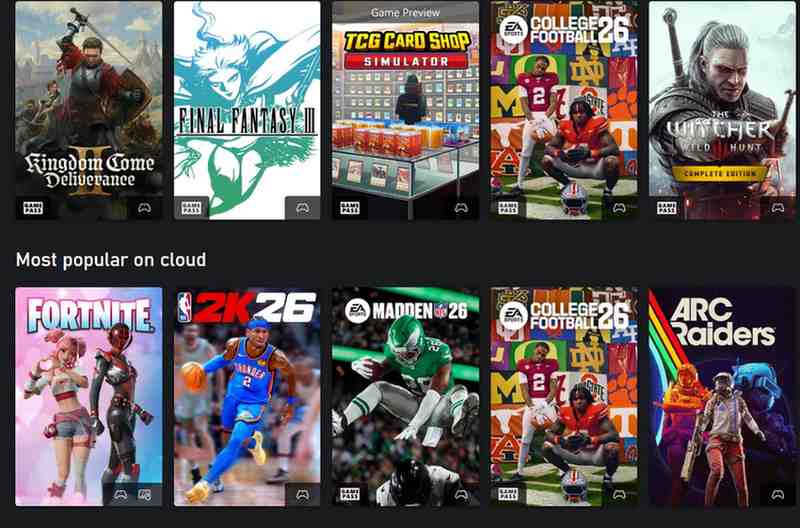
If you’re looking for an Xbox mobile emulator, I suggest you avoid wasting your time and data on fake apps. Nowadays, Microsoft itself has made bringing classic games to mobile even easier through cloud gaming.
Xbox Mobile Device Optimization
Let me tell you one thing: no matter how expensive your phone is, if it gets hot, gaming performance will drop. So you should have a good environment to avoid overheating.
Connection Fix: Xbox Mobile Cloud Gaming
If you’re seeing a pixelated screen or input lag when you’re playing games on Xbox Mobile Cloud Gaming, you should definitely do these things: first, you need to use Google DNS or Cloudflare to keep your ping stable. Second, if you’re using Wi-Fi, make sure Bluetooth doesn’t interfere. Third, use Airplane Mode and then turn on Wi-Fi; this helps so that SIM card towers don’t consume battery and processing power in the background.
Battery and Heat Management
Xbox gaming drains the phone battery very quickly. You should always keep the brightness at 50-60% and always enable Game Mode, which restricts background data. If you’re playing Xbox mobile console remotely, remove the back cover. You should also take my advice: get a cooling fan; it will extend your gaming session from 2 hours to 4 hours.
Remote Play Setup Tips
Whenever you use the console for remote play, it should always be in Sleep or Instant On mode. If it’s in shutdown mode, you won’t be able to wake it up or turn it on with the Xbox Mobile app.
Xbox Mobile Download – Game Management Tips
I noticed that many people are wondering if they can download games to their phones. Let me tell you that games don’t run locally like that; your phone serves as a screen, but you can request and manage game installs on your console from within your Xbox Mobile app.
Future of Xbox Mobile (2026 and Beyond)
Right now, I’m seeing that Microsoft is working on native mobile games. This means that in the future, you won’t even need high-speed internet for everything, as some Xbox games can be installed directly onto your Xbox Mobile device and played.
Xbox Mobile App: Frequently Asked Questions (FAQs)
How to download Xbox app and is it free?
Answer: Yes, the Xbox mobile app is available for free download. Android users can download it from the Google Play Store, and iPhone users can download it officially from the Apple App Store. Avoid downloading the Xbox mobile app APK from third-party sites, as they may pose security risks.
Can I use the Xbox app on a Mac?
Answer: There’s currently no dedicated Xbox app for Mac, but you can enjoy Cloud Gaming using a browser (Safari or Chrome) via Xbox.com/play. You don’t need a separate app.
How does the Xbox.com mobile app scan feature work?
Answer: When you set up your console, a QR code appears on the TV screen. You need to scan it from your phone using the Xbox.com mobile app scan feature, so your console and mobile app sync instantly.
Xbox app for android ki minimum requirements kya hain?
Answer: To use the Xbox mobile app for Android, your phone must have Android 6.0 or higher. For a better experience and cloud gaming, you need a 5GHz Wi-Fi or stable 5G connection and at least 2GB of RAM.
